How to setup an Ergonomic office chair
How to SetUp an Ergonomic Office: Chair Edition
How we set up our office space plays a vital role in our overall health, comfort, and productivity. Among all the elements in an ergonomic workspace, the office chair is the most important. In this guide, we explore the key steps to set up an ergonomic office chair for maximum comfort, proper support, and long-term well-being.
Start with the Right Chair
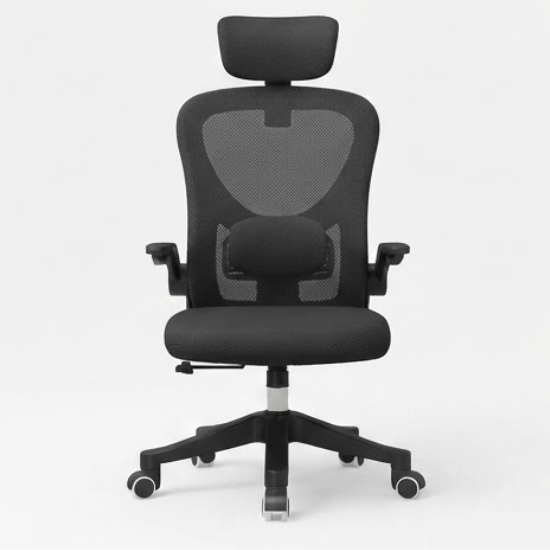
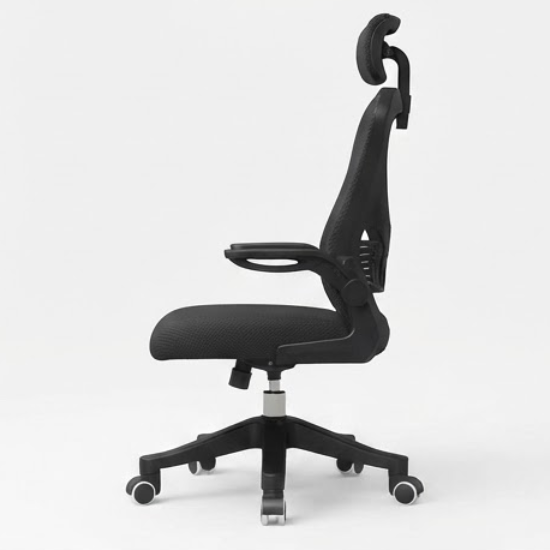
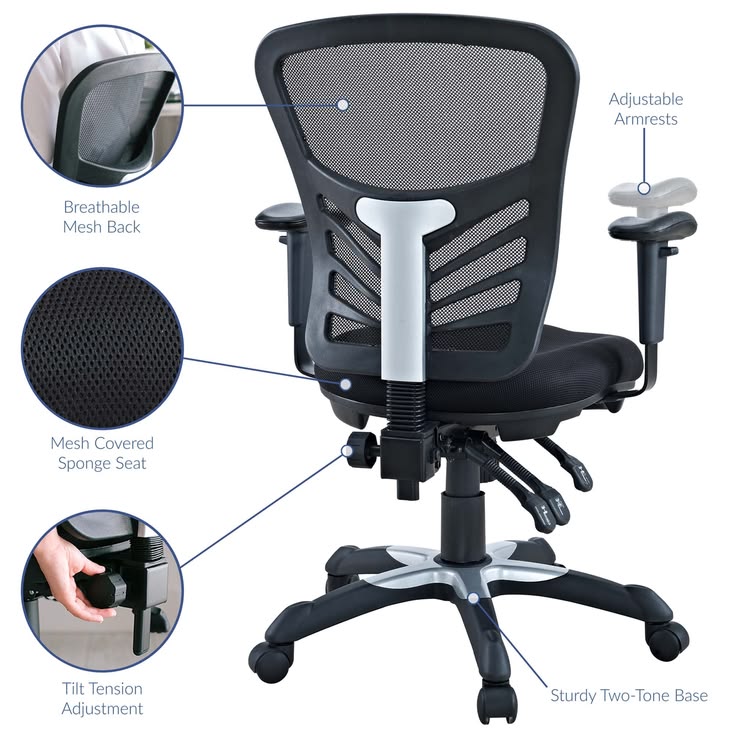
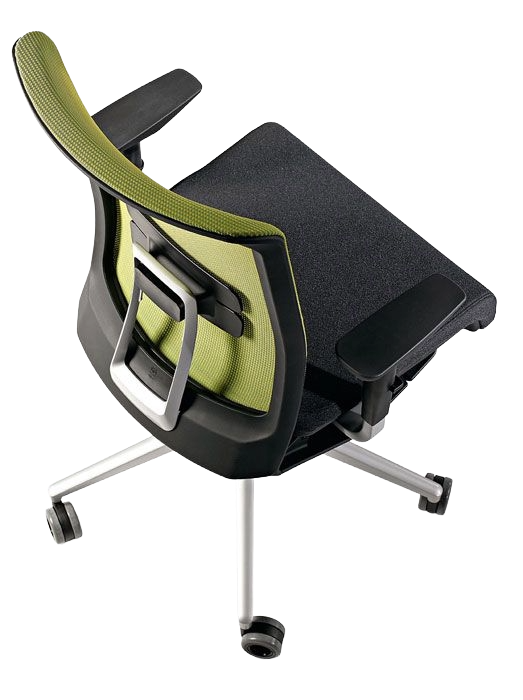
The foundation of an ergonomic office begins with a properly designed chair. Choose a chair that offers adjustable height, seat depth, lumbar support, armrests, and reclining options. It should match your body type and working style to ensure comfort during long sitting hours.
Adjust the Chair Height
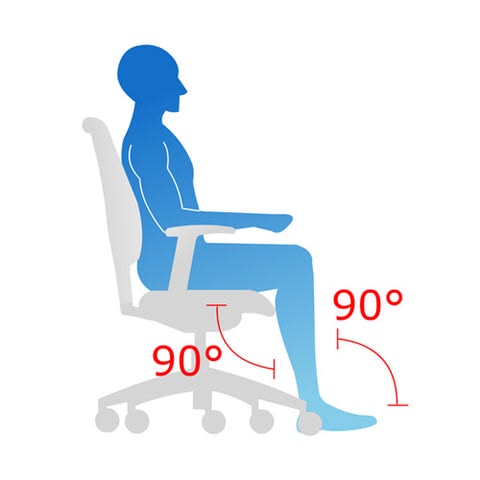
Proper chair height is essential for good posture. Adjust the seat so your feet rest flat on the floor and your knees are bent at a 90-degree angle. This helps improve blood circulation and reduces pressure on your lower back.
Set the Seat Depth
Make sure there is a small gap between the back of your knees and the edge of the seat. This prevents unnecessary pressure on your thighs and supports healthy sitting posture throughout the day.
Lumbar Support Matters
Lower back support is very important for long hours of sitting. Adjust the lumbar support so it fits the natural curve of your spine. This helps reduce back pain and encourages a healthier sitting position.
Position the Armrests Correctly
Armrests help reduce strain on your shoulders and neck. Adjust them so your elbows rest comfortably at a 90-degree angle. This allows your upper body to stay relaxed while working.
Ensure Proper Chair Recline
A slight recline can reduce pressure on your spine and improve comfort. Set the recline tension according to your body weight so you can lean back slightly while still maintaining support.
Maintain Eye Level with the Monitor
Your monitor should be at eye level to avoid neck strain. Adjust your chair height or use a monitor stand so your eyes align with the top of the screen. This supports a neutral and comfortable head position.
Maintain Eye Level with the Monitor
Keep Your Feet Supported
If your feet do not reach the floor comfortably, use a footrest. Proper foot support improves circulation and reduces stress on the lower back, helping you stay comfortable for longer periods.
Take Breaks and Move
Even with a perfect chair setup, regular movement is essential. Stand up, stretch, and walk around every 30–60 minutes to reduce stiffness and improve overall health.
Consider Ergonomic Accessories
You can enhance comfort with accessories like lumbar cushions, seat pads, or neck supports. These additions help customize your chair for better support and a more comfortable working experience.
Conclusion
Setting up an ergonomic office begins with choosing and adjusting the right chair. A well-configured chair supports good posture, reduces discomfort, and improves productivity. By fine-tuning your seating setup and adding simple ergonomic habits, you can create a healthier and more efficient workspace.
MOST POPULAR
Explore our most popular product collection.